

Services
Each service is one Web service step in your DocuWare workflow, and all of them use the same DocuStride web service. Use one, or several in a row.
QR codes
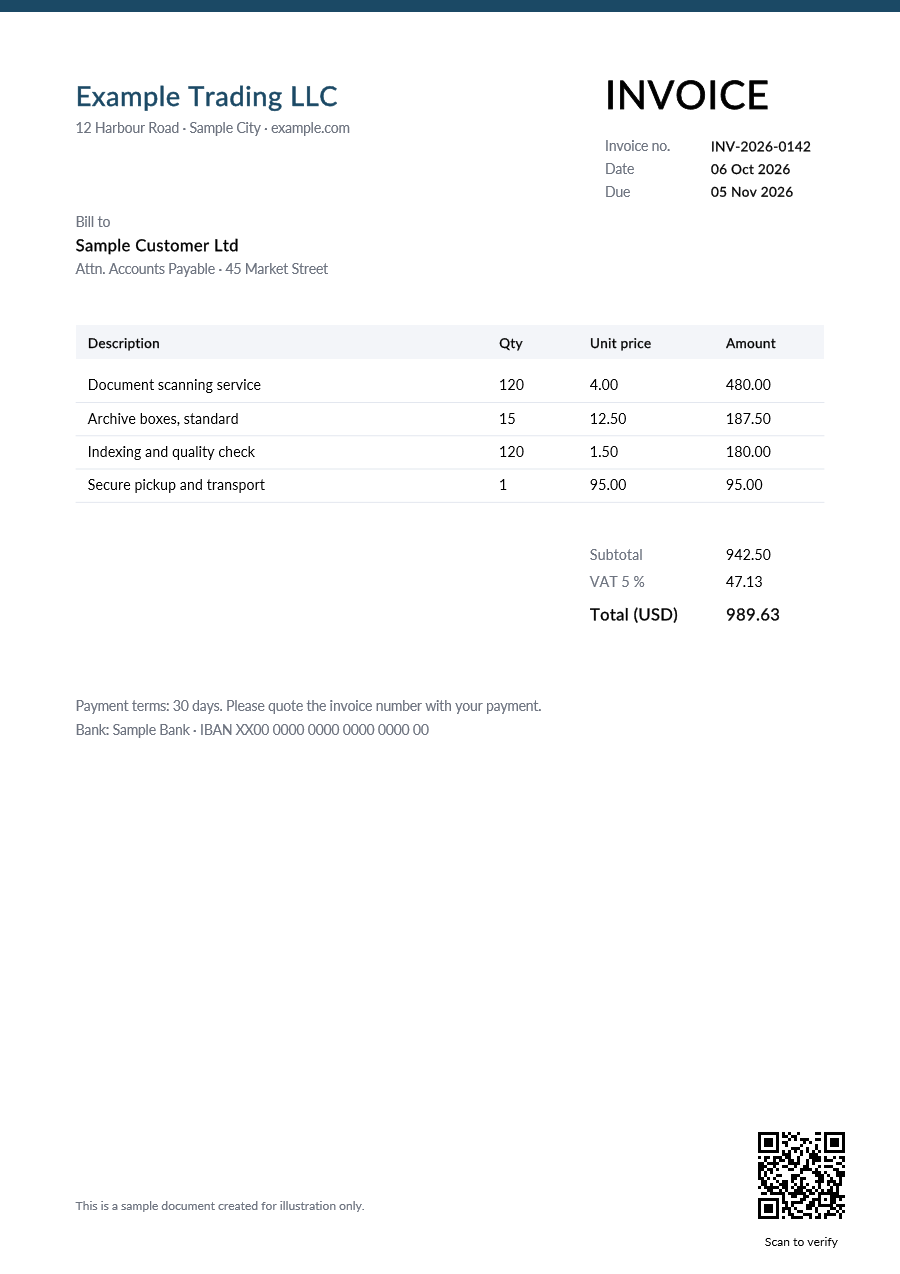
A QR code with a link or several index values, where you want it, with an optional caption.
- A link, or several index values in one code
- Any page, nine positions or an exact spot
- Optional caption in three fonts
- PDFs, scans and documents with several files
Watermarks
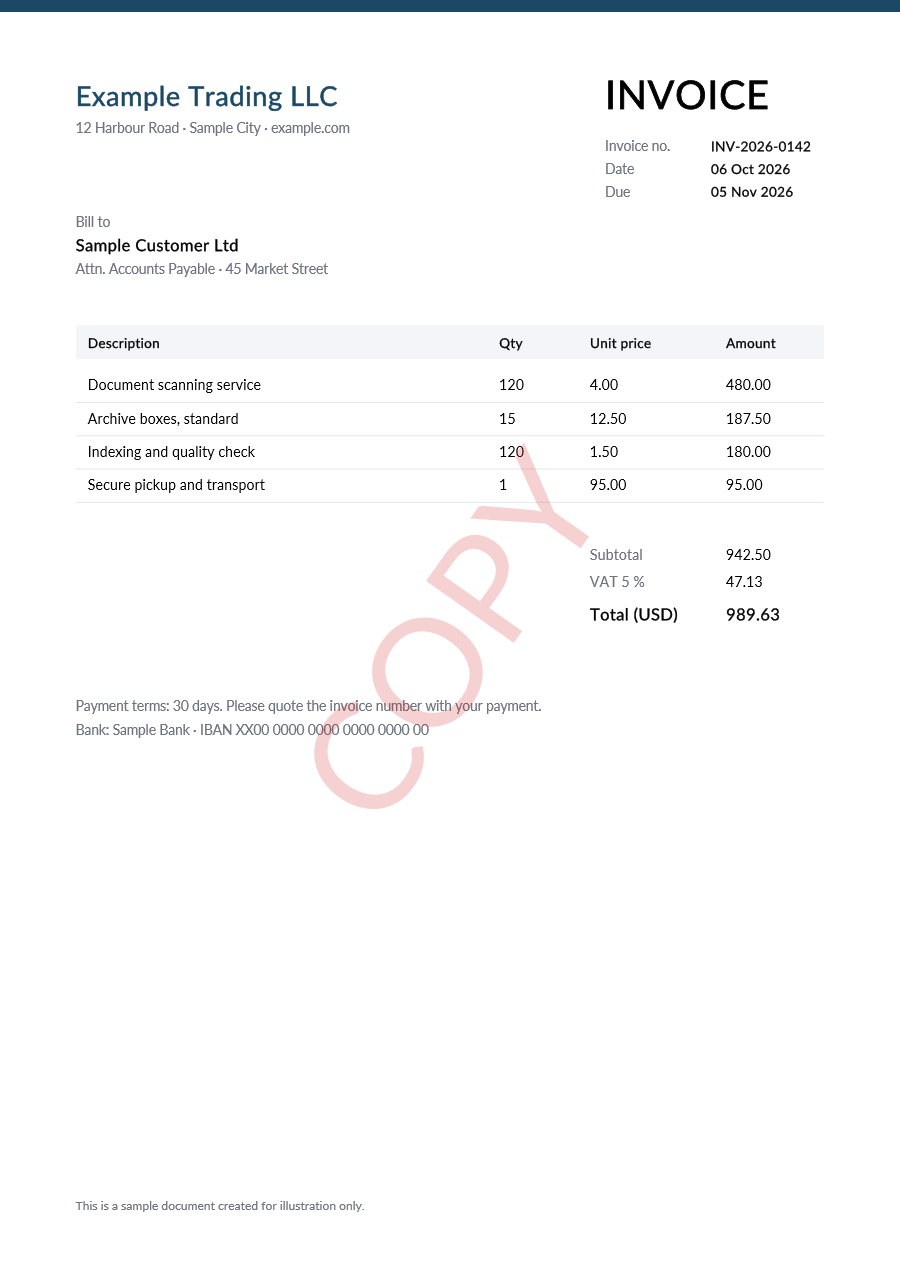
CONFIDENTIAL, COPY or "Copy for {Customer}": diagonal, tiled or at one spot, in your colours.
- Fixed text or values from index fields
- Diagonal, tiled or at one spot
- Colour, visibility, angle and font
- Over the page or behind the content
Microtext
Tiny security text as a border, line or band: it looks like a thin rule and is hard to reproduce on a photocopy or scan.
- A border around the page, a line or a band
- Size, colour and font you choose
- Values from index fields
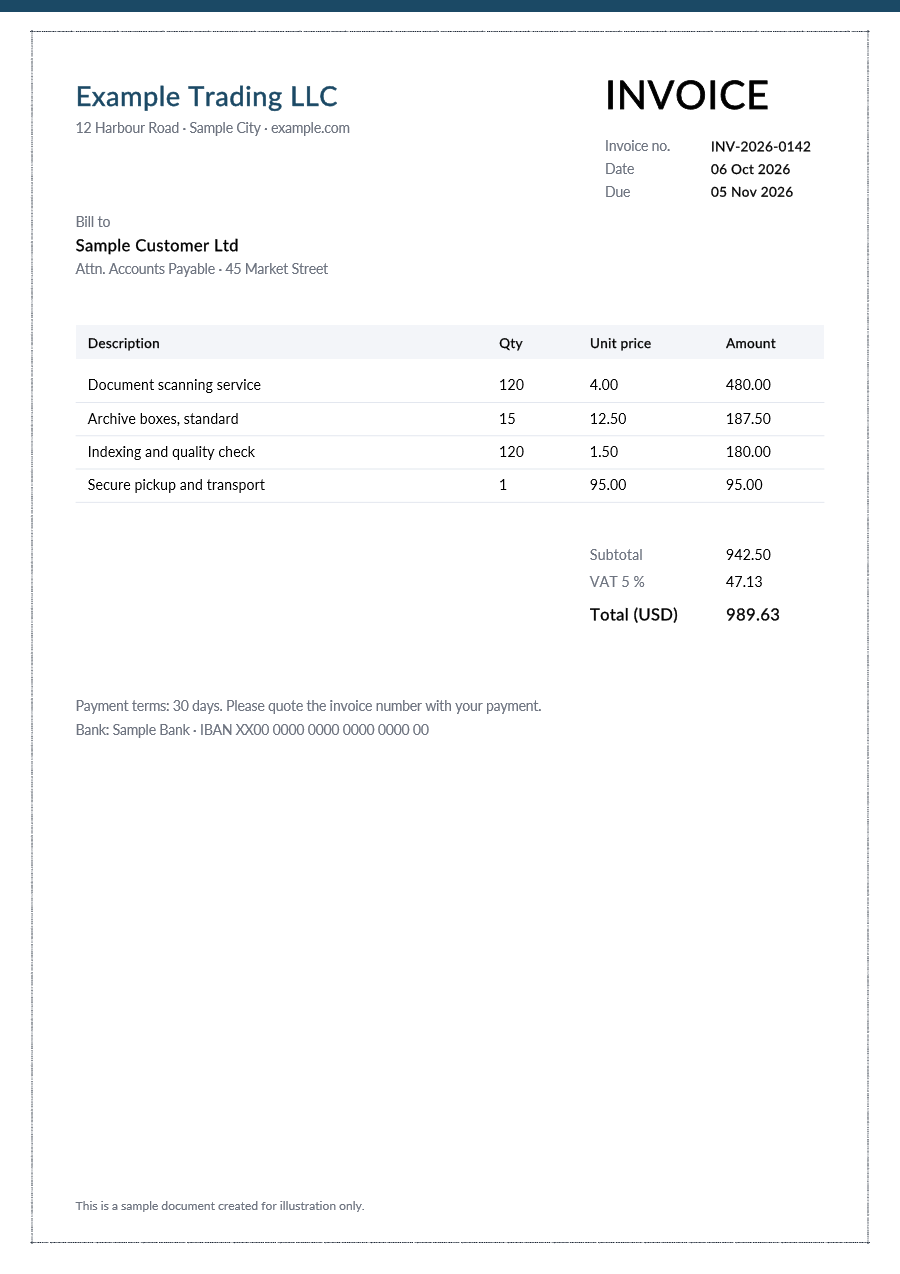
Sample invoice for illustration, processed by DocuStride's own services.
Every change is saved as a new version, and signed PDFs are left untouched unless you allow it. After signing up, the designers show each service on your own PDFs and write the settings for your workflow.
Use cases
A few ways DocuWare customers use DocuStride. Values in {braces} come from the document's index fields.
Invoices and finance
Put a QR code on every invoice that opens the document or your payment portal, and mark copies so they are not paid twice by mistake.
ExampleQR code: {InvoiceNo} {Amount} · Watermark: COPY
Contracts and legal
Mark drafts and confidential agreements, and give signed originals a microtext border that is hard to reproduce on a photocopy or scan.
ExampleWatermark: DRAFT or CONFIDENTIAL · Microtext: ORIGINAL · {ContractNo}
HR and personnel files
Personal copies that name their recipient discourage sharing, and make a leaked copy traceable.
ExampleWatermark: Copy for {EmployeeName}, {Date}
Quality and compliance
Controlled copies of procedures and work instructions, with a QR code that leads to the current version.
ExampleWatermark: CONTROLLED COPY · QR code: link to the current document
Certificates and official letters
Anyone can scan the QR code to open the certificate's record and compare; the microtext helps tell the printed original from a copy.
ExampleQR code: verification link · Microtext border: {CertificateNo}
Delivery notes and logistics
A QR code with the order or delivery number, ready to scan in the warehouse or at the customer's site.
ExampleQR code: {OrderNo} {DeliveryNo}
Ready to try it?
Create a free account and process your first document in about 5 minutes.