For DocuWare Cloud

Embed QR codes, Watermarks and Microtext into your DocuWare documents.

Giving Documents a Digital Identity

Intelligent Documents. Effortless Processes.

Free Lite plan · On-premises coming soon

DocuStride logoDocuStride logoDocuStride No. DS-2026-0001 · Version 2.0

Three Steps. Zero Hassle.

  1. 1
    Connect.Link DocuWare securely. No passwords shared.
  2. 2
    Plug in.Add DocuStride as a web service and test it in one click.
  3. 3
    Automate.Drop one step into any workflow. Every document marked, the original kept intact.
Done in secondsEach document is processed in a few seconds
No manual workYour workflow does it, every time
Nothing to installReady in 5 minutes, nothing to set up on your side
Versions keptThe original stays in DocuWare's history
Nothing storedDocuments are processed in memory only
You stay in controlNo passwords stored; revoke access any time

How we keep your documents safe →

See it in action

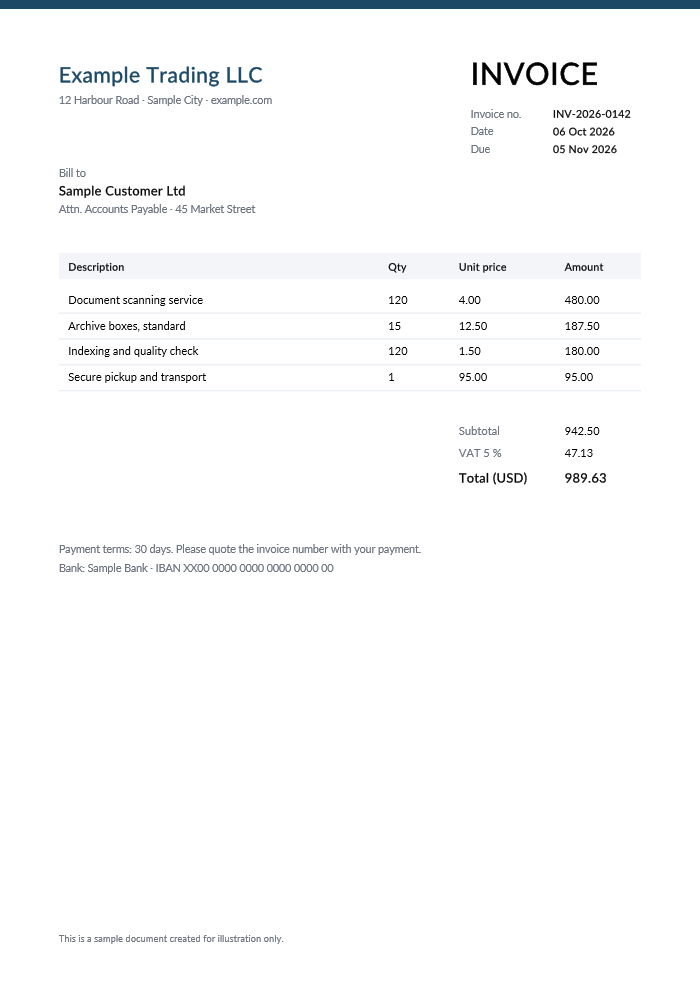
  1. A new invoice arrives in DocuWareStored in a file cabinet, as always.
  2. Your workflow calls DocuStrideOne Web service step; no software to install.
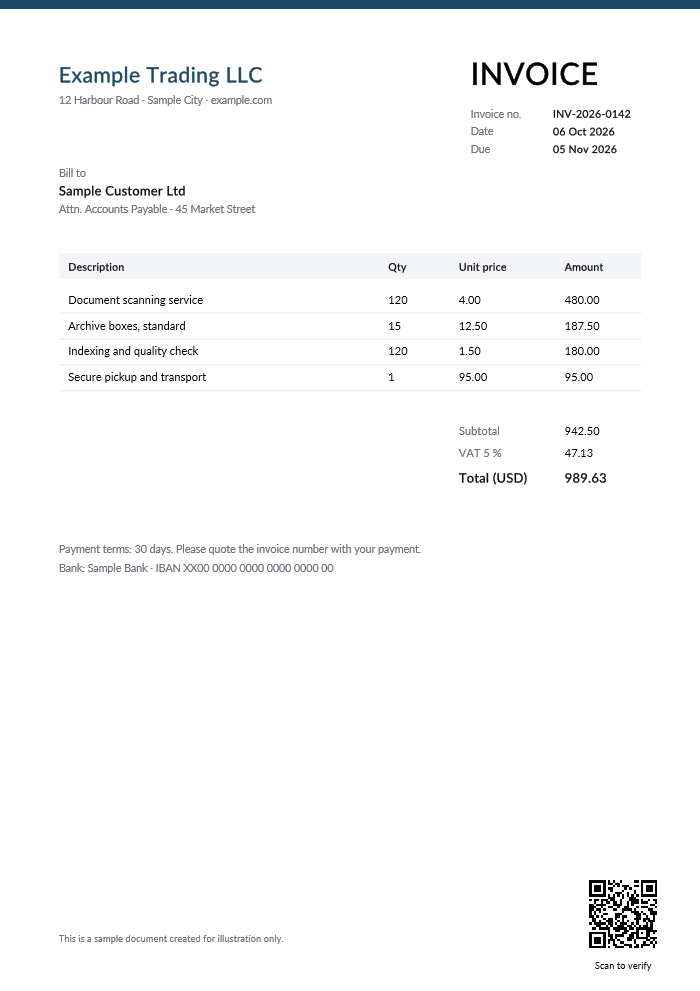
  3. QR code addedA link to the document, with "Scan to verify".
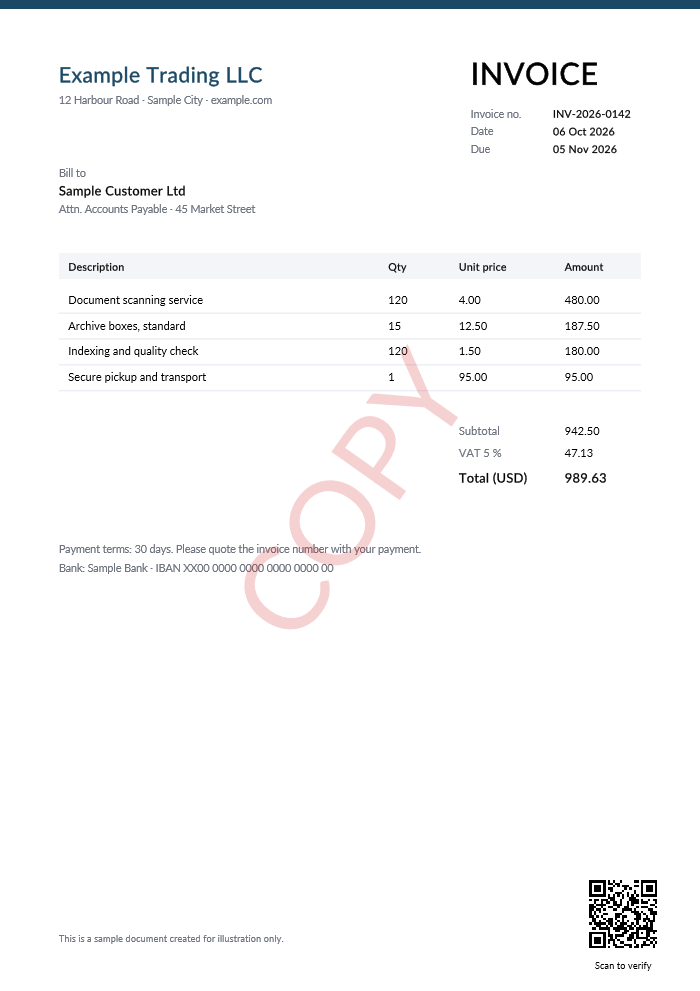
  4. Watermark added"COPY" across the page, light enough to read through.
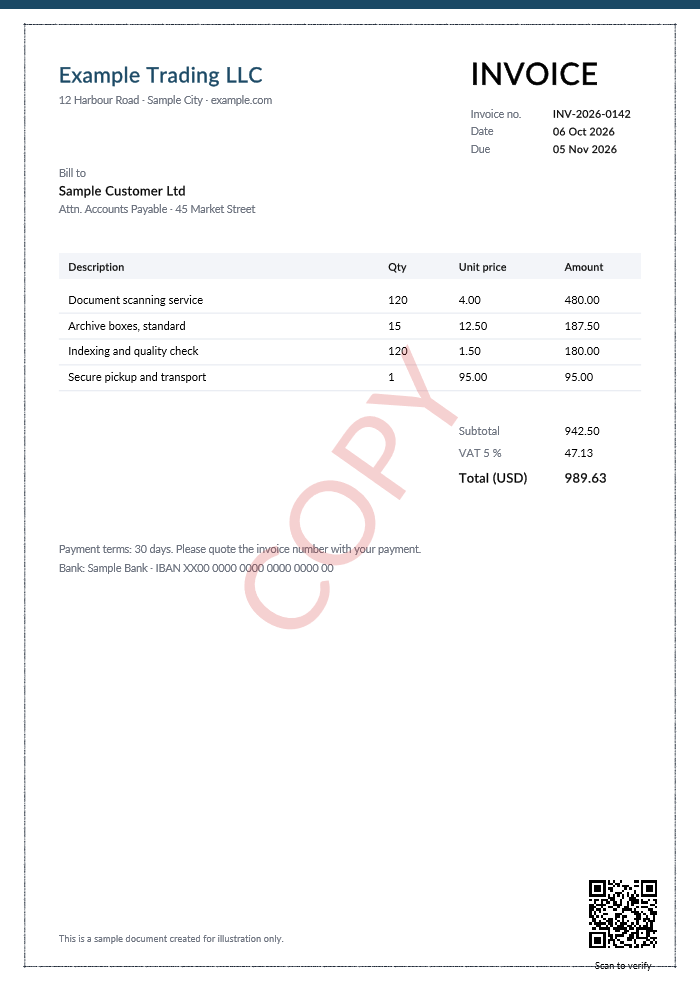
  5. Microtext addedLooks like a thin line; magnified, it reads "ORIGINAL DOCUMENT".
  6. Saved as a new versionIn seconds. The original stays in the version history.

Illustration with a sample invoice; the document changes are the real output of DocuStride's services.

What it adds to your documents

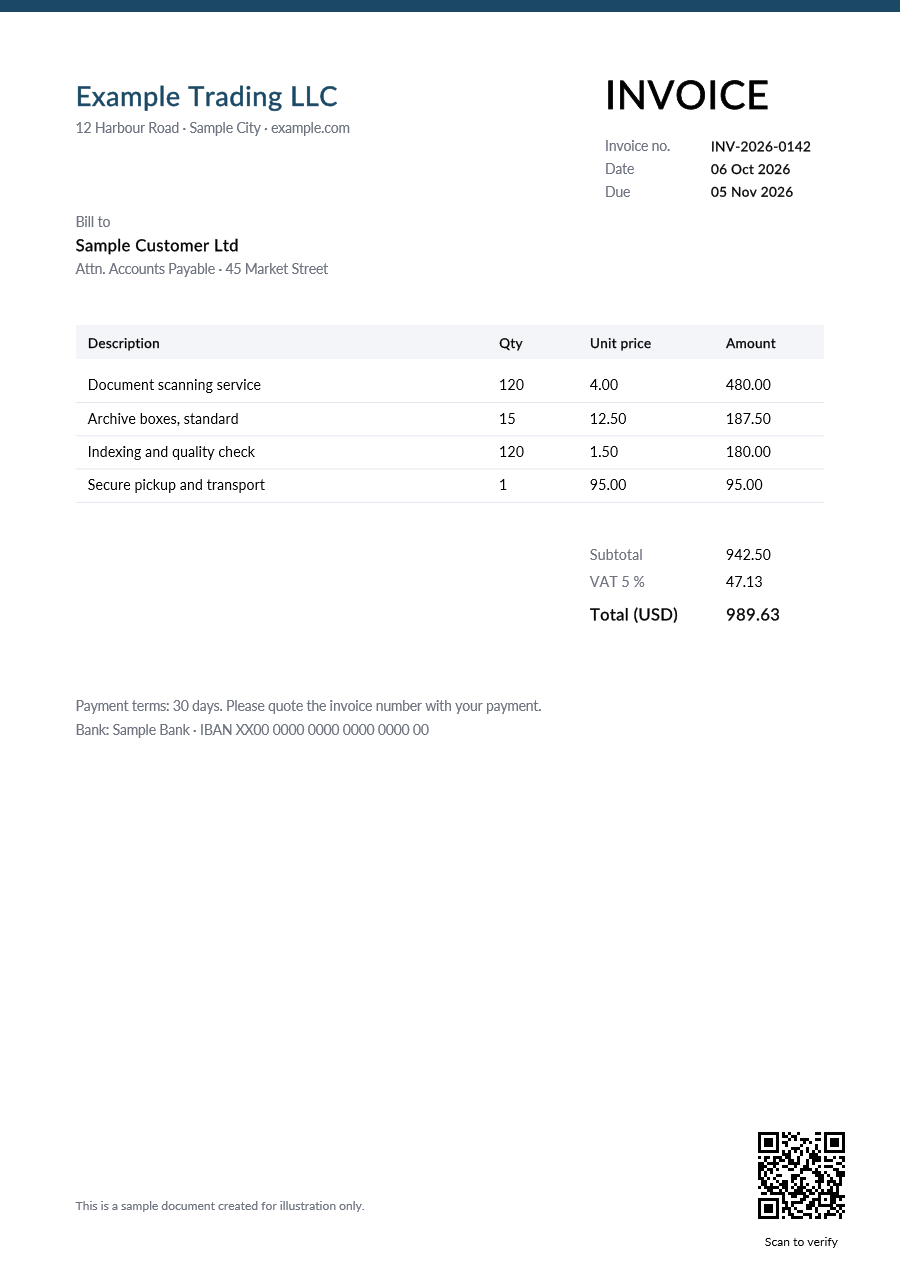
Sample invoice with a QR code and the caption Scan to verify in the bottom-right corner

QR codes

A QR code with a link or several index values, where you want it, with an optional caption.

Here: a link to the document, with the caption "Scan to verify".
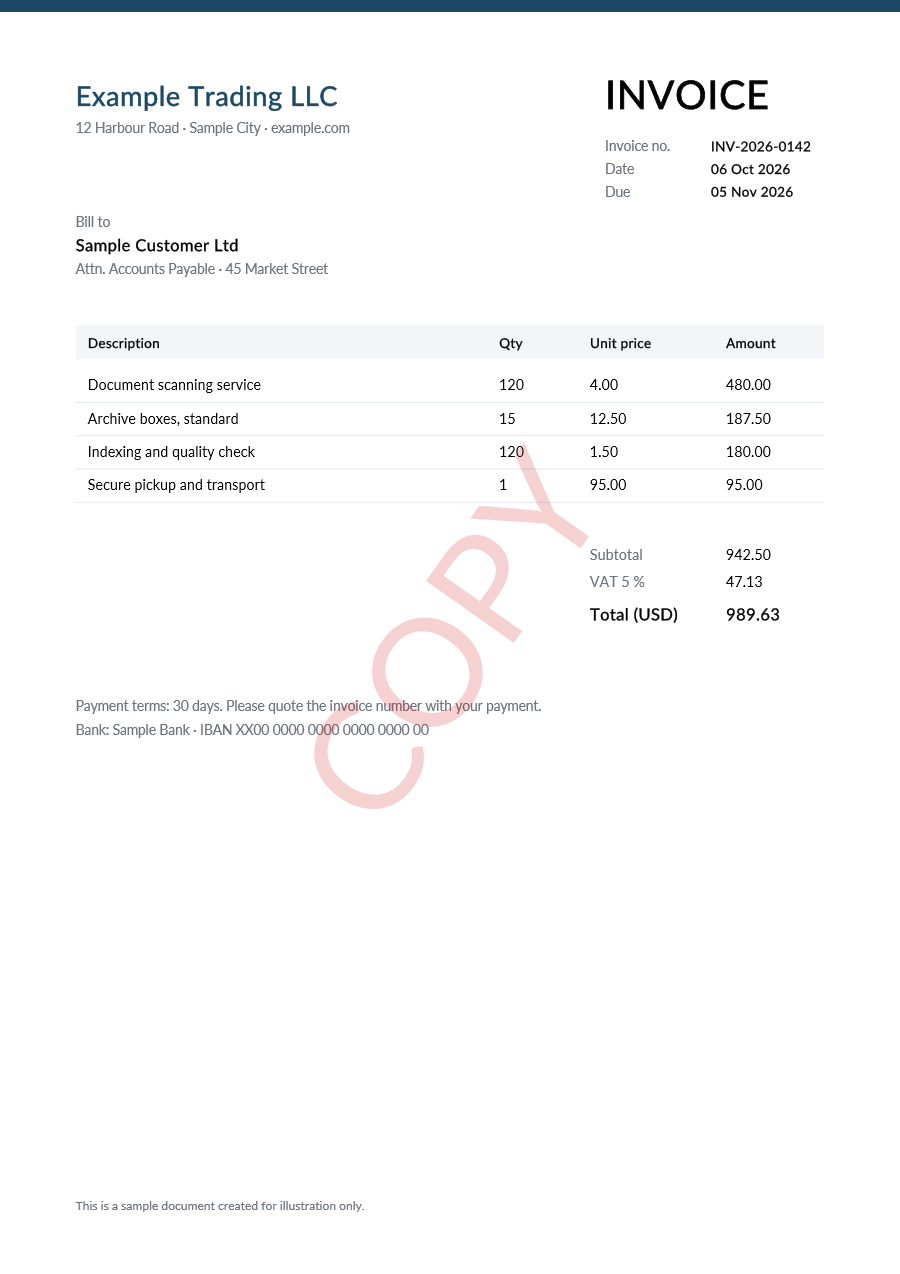
Sample invoice with a light red COPY watermark across the page

Watermarks

CONFIDENTIAL, COPY or "Copy for {Customer}": diagonal, tiled or at one spot, in your colours.

Here: "COPY" across the page; the text underneath stays readable.
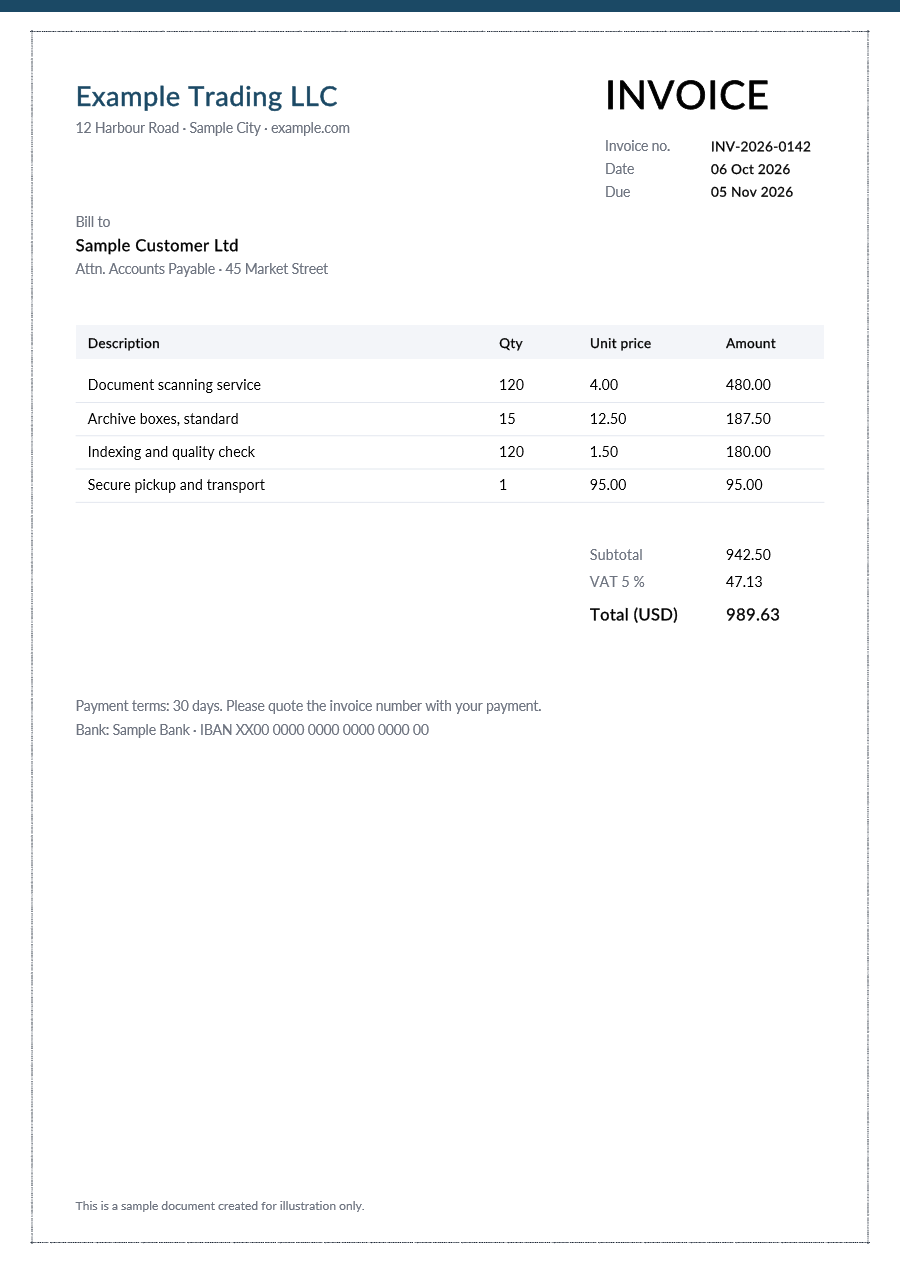
Sample invoice with a thin microtext border around the page

Microtext

Tiny security text as a border, line or band: it looks like a thin rule and is hard to reproduce on a photocopy or scan.

Here: a thin border that, magnified, reads "ORIGINAL DOCUMENT INV-2026-0142".

Sample invoice for illustration, processed by DocuStride's own services. Every option →

Used for

QR codeWatermark

Invoices and finance

Put a QR code on every invoice that opens the document or your payment portal, and mark copies so they are not paid twice by mistake.

ExampleQR code: {InvoiceNo} {Amount} · Watermark: COPY

WatermarkMicrotext

Contracts and legal

Mark drafts and confidential agreements, and give signed originals a microtext border that is hard to reproduce on a photocopy or scan.

ExampleWatermark: DRAFT or CONFIDENTIAL · Microtext: ORIGINAL · {ContractNo}

QR codeMicrotext

Certificates and official letters

Anyone can scan the QR code to open the certificate's record and compare; the microtext helps tell the printed original from a copy.

ExampleQR code: verification link · Microtext border: {CertificateNo}

See all use cases →

Ready to try it?

Create an account, connect DocuWare and process your first document in about 5 minutes.